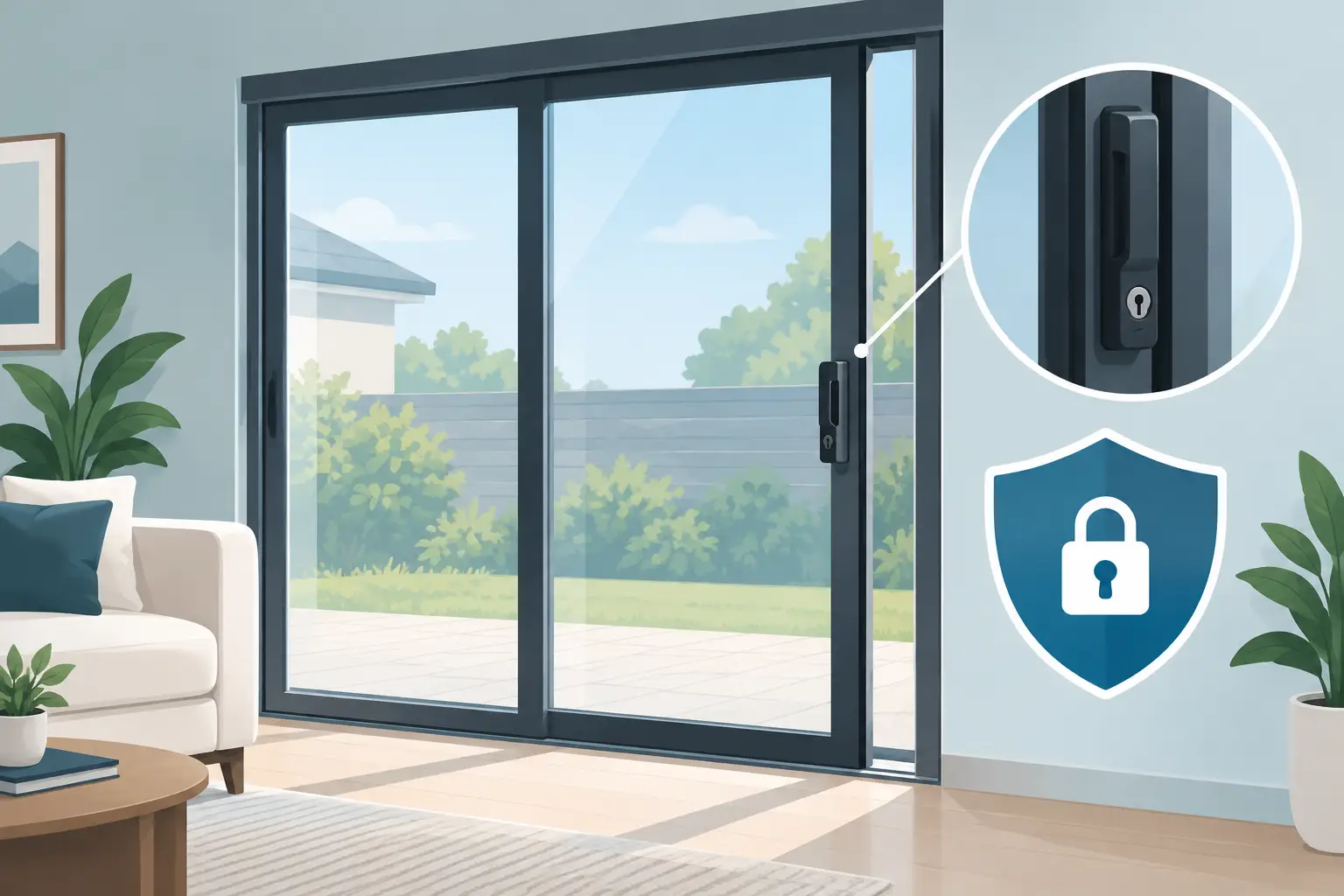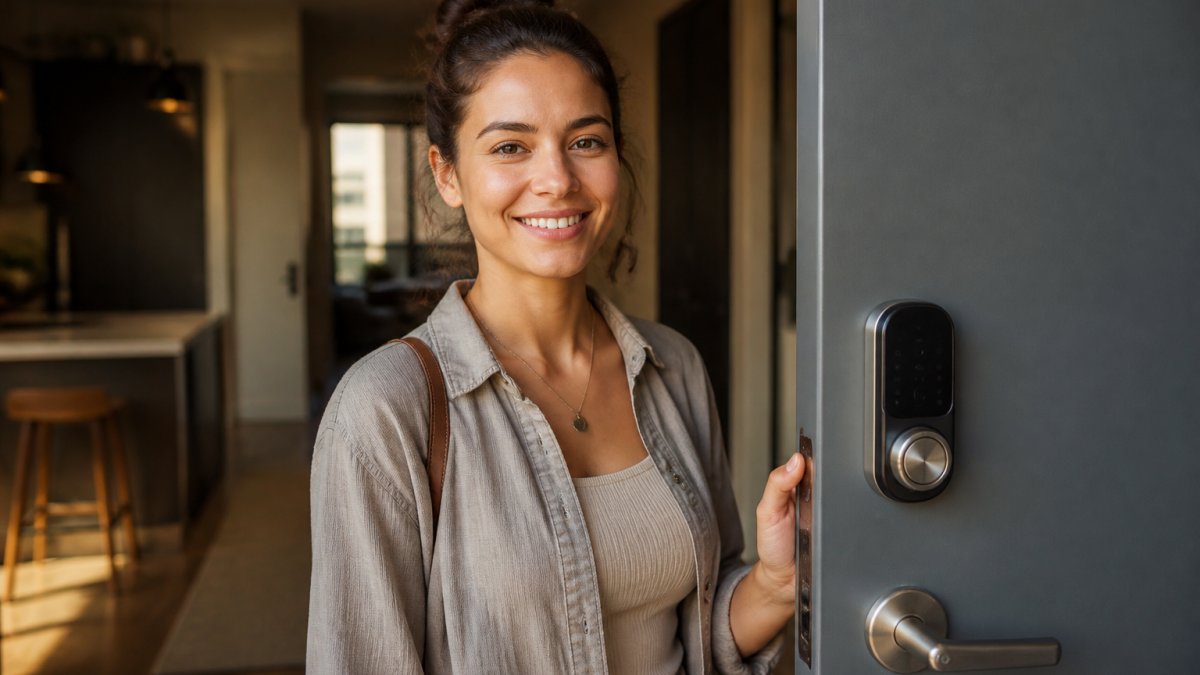
A keyless lock can solve a very practical problem: no more hiding a spare key under a planter, handing out copies to contractors, or wondering whether an old tenant still has access. But a keypad on the door does not automatically mean better security. This keyless entry lock review focuses on the details that matter most for San Jose homeowners, renters, property managers, and small businesses before replacing a deadbolt.
What a Keyless Entry Lock Should Do Well
The best keyless entry locks make access easier without creating new points of failure. At a minimum, a quality lock should have a sturdy deadbolt, dependable keypad, protected battery compartment, and a mechanical key override or another reliable emergency entry option.
Convenience is usually the first reason people buy one. A homeowner can assign a temporary code for a dog walker, a cleaner, or a relative visiting for the weekend. A property manager can change access after a turnover without collecting multiple copies of a key. For a small office, individual codes make it easier to know who should have access and when.
Security still comes first. A keypad lock is only as strong as the door, strike plate, screws, and installation behind it. If the frame is weak or the deadbolt is poorly aligned, an expensive smart lock will not correct the problem. Before choosing features, make sure the entry door itself is in good condition.
Keyless Entry Lock Review: The Features That Matter
Not every lock needs Wi-Fi, an app, fingerprint scanning, or voice control. More features can be useful, but they also add setup time, battery demands, and potential troubleshooting. The right choice depends on who uses the door and how much control you need.
Keypad reliability and code management
A keypad should be easy to use in low light and responsive in wet or cold conditions. Look for illuminated buttons or a clear touchscreen, especially for side doors, garages, and office entrances used after dark. Physical buttons often feel more straightforward for people who do not want to wake a touchscreen before entering a code.
Code management matters more than the number of codes a lock can store. You should be able to add, delete, and change codes without a complicated process. Temporary and scheduled codes are particularly useful for rental properties, service workers, and commercial staff. If a code is shared too widely, changing it should take minutes, not a full lock replacement.
Avoid obvious codes such as house numbers, birthdays, or 1234. Fingerprints on a touchscreen can also reveal commonly pressed numbers, so clean the keypad regularly and use a code that does not follow a simple pattern.
Mechanical key override and emergency power
Many people assume a dead battery means they are locked out. In most well-designed models, it should not. Some locks include a traditional key cylinder, while others have external contacts that accept a 9-volt battery long enough to power the keypad. Either option can work, but you need to know how it works before an emergency happens.
A key override offers familiarity and a backup when batteries fail, electronics malfunction, or a guest cannot use the keypad. The trade-off is that it still requires you to manage a physical key. If you choose a lock without a keyway, keep the emergency battery procedure posted somewhere secure and make sure trusted household members know it.
Low-battery alerts are helpful, but they are not a reason to postpone replacement. Change batteries when the lock first warns you, then test operation from both sides of the door. Use fresh, name-brand batteries and avoid mixing old and new ones.
Smart connectivity: useful, but not required
Bluetooth locks are often a good middle ground for a residence. They allow app-based management when you are nearby without relying on a home Wi-Fi connection. Wi-Fi-enabled locks add remote access, activity alerts, and the ability to create codes while away. Those functions can be valuable for vacation homes, rental units, and busy households.
The trade-off is maintenance. Wi-Fi locks may use battery power faster, and their account settings, app permissions, and firmware updates need attention. If the goal is simply to let family members enter without a key, a non-connected keypad deadbolt is often the simpler and more dependable option.
For businesses, remote access should be chosen carefully. It can help an owner manage staff entry, but codes should be removed immediately when employment ends. Do not rely on a shared master code for every employee. Separate codes create better accountability and make access changes less disruptive.
Build quality and door compatibility
Look beyond the finish and screen. A lock should be rated for residential or commercial use appropriate to the door, with a solid deadbolt and a reinforced strike plate. The strike plate should be secured with long screws that reach the framing, not only the trim around the door.
Compatibility is another common issue. Check the door thickness, backset, existing bore holes, handing, and clearance between the deadbolt and handle before ordering. Some keyless locks replace only the deadbolt, while others replace the entire handleset. A lock that looks right online can become a frustrating installation if the door preparation does not match.
Older Bay Area homes can have doors that are slightly warped, settled, or out of alignment. In that situation, the lock bolt may rub against the strike opening. Electronic locks are less forgiving than a loose traditional latch because the motor must move the bolt fully every time. Door alignment should be corrected before blaming the new lock.
Installation Is Part of the Security Review
A keyless lock should operate smoothly before batteries or app settings become part of the conversation. With the door open, test the bolt several times. Then close the door and confirm the bolt enters the strike without lifting, pushing, or pulling the door. If it binds, forcing it can wear down the motor and shorten the lock’s life.
Follow the manufacturer instructions closely, particularly when setting the handing or calibration. Incorrect calibration can cause a lock to extend in the wrong direction or fail to recognize whether the door is open. After installation, test the keypad, interior thumbturn, key override, automatic locking setting, and any emergency power method.
Automatic locking deserves special thought. It can prevent an accidental unlocked door, but it can also create a lockout if someone steps outside without a phone or code. Households with children, elderly relatives, or frequent visitors should decide whether auto-locking improves safety or adds unnecessary risk.
A professional installation is worthwhile when the door needs drilling, the deadbolt is misaligned, the existing hardware is damaged, or the lock is part of a larger security upgrade. BDS Locksmith can assess the door and install compatible hardware on site, which helps avoid the common problem of a new smart lock paired with an unreliable frame or strike plate.
When a Keyless Lock May Not Be the Best Fit
Keyless entry is not automatically the right answer for every door. A rarely used storage room, a gate exposed to heavy weather, or an area with unreliable wireless service may be better served by a high-quality mechanical lock. The same is true when many people need access but nobody is prepared to manage codes, batteries, and permissions.
For exterior doors, keypad deadbolts are generally a better choice than keypad lever locks alone. A lever latch may provide convenience, but it does not offer the same resistance as a properly installed deadbolt. If the entry needs additional protection, consider door reinforcement, a better strike plate, and rekeying other exterior locks so the overall system makes sense.
Renters should also check their lease before changing exterior hardware. Many landlords allow upgrades but require approval, a copy of the emergency key, or restoration of the original lock at move-out. A non-permanent keypad option may be appropriate in some cases, but only if it fits the door and building rules.
A Practical Buying Decision
Choose a basic keypad deadbolt if you want dependable code access with minimal maintenance. Choose a Bluetooth or Wi-Fi model if temporary codes, remote management, and activity notifications will actually solve a problem for your household or property. Choose a higher-grade commercial option when staff access, frequent use, and accountability are the priority.
Before buying, measure the door, inspect the frame, decide who needs access, and plan for battery replacement and emergency entry. A keyless lock works best when it is treated as one part of a complete door security setup, not as a gadget that has to carry the whole job. The right lock should make daily access simpler while giving you a clear, dependable plan for the moments when technology does not cooperate.