Table of Contents
- Why South Bay Businesses Are Replacing Keys With Commercial Access Control
- What South Bay Commercial Access Control Systems Actually Include
- Provider Comparison: What to Look For in a South Bay Vendor
- Commercial Access Control Installation: What the Process Looks Like
- Cost Factors: What Drives Your Quote Up or Down
- Access Control System Maintenance and Support Contracts
- Business Access Control Best Practices for Property Managers
- Integrating Alarms, CCTV, and Intrusion Detection With Your Access System
- Compliance, Cybersecurity, and Data Privacy for Access Systems
- How to Choose a South Bay Commercial Access Control Partner
- Frequently Asked Questions
Last Updated: October 17, 2026
Why South Bay Businesses Are Replacing Keys With Commercial Access Control
Every lost master key is a liability. When a business hands out metal keys, it loses track of who holds them, who copied them, and who walked out the door with one last week. That is why so many South Bay businesses are moving to South Bay commercial access control, which replaces physical keys with credentials you can revoke in seconds.
At BDS Locksmith, we install and service these systems for offices, warehouses, and storefronts across the region. The shift is not about gadgets. It is about control: knowing exactly who entered which door, and when, without rekeying the whole building when someone leaves.
Here is the core tension. Access control is not a product you buy once. It is a system you live with for years, and the wrong choice shows up as locked-out employees, tangled wiring, and software nobody can operate. The sections below break down what these systems include, how installation works, what drives cost, and how to pick a partner who answers the phone after the sale.
The real value of commercial access control is not the hardware. It is the ability to grant and revoke access instantly, and to see a record of who went where.
What South Bay Commercial Access Control Systems Actually Include
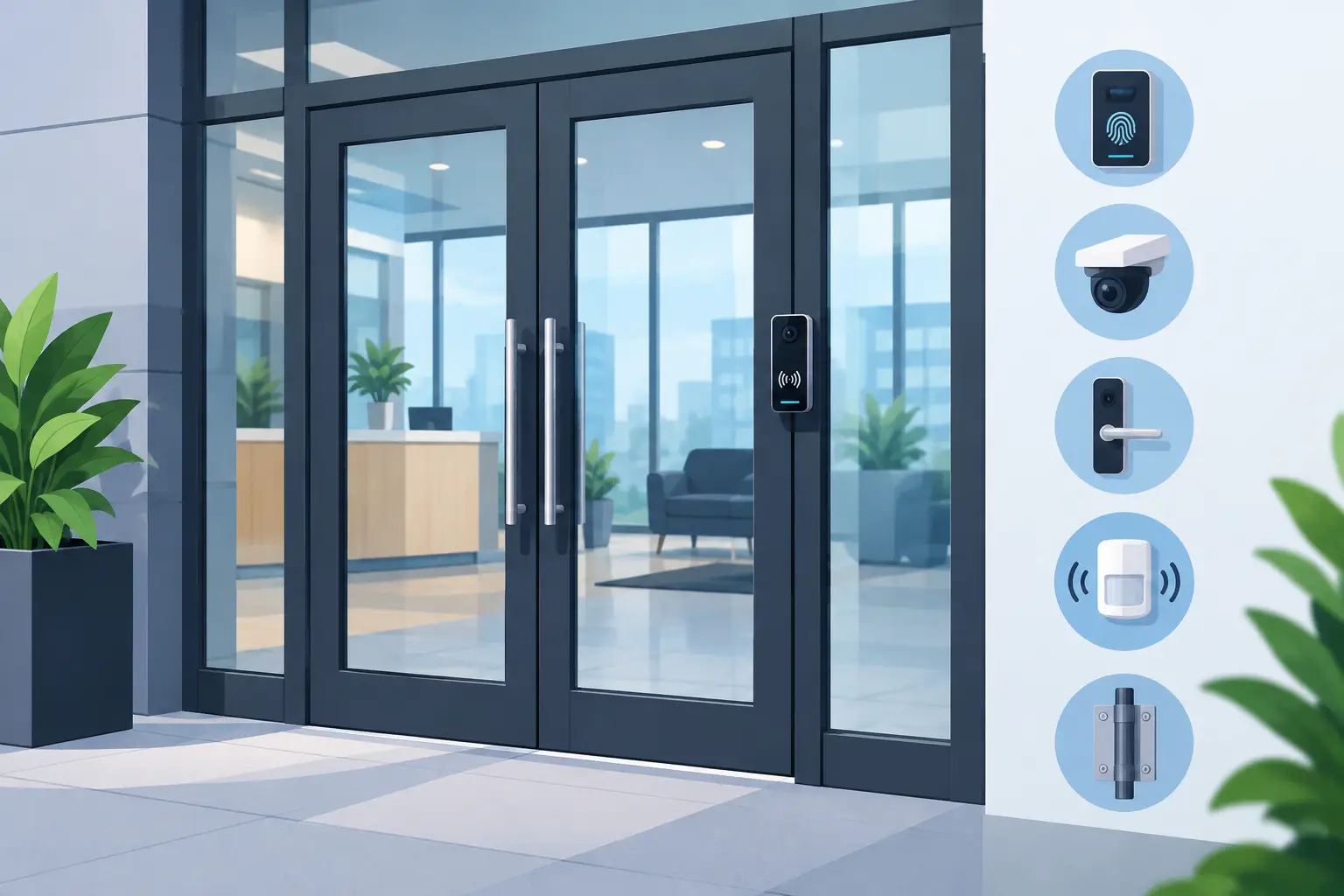
A commercial access control system is the combination of credentials, readers, a controller, electronic locks, and management software that together decide who can open which door. Each part matters, but the controller and software are what separate a real system from a keypad bolted to a door.
Credential Types: Keycards, Keypads, Mobile, and Biometric
Credentials are what a person presents to get in. The four common types each fit different situations:
- Keycards and fobs: Simple to issue and easy to revoke. Best for offices with steady staff turnover.
- Keypads and PIN codes: No card to lose, but codes get shared. Pair them with a card for higher-security doors.
- Mobile access: Phones act as the credential. Convenient for staff who hate carrying cards.
- Biometric access: Fingerprint or hand readers. Strong for restricted rooms, though enrollment takes more setup.
Most buildings mix them. A lobby door might take a card, while a server room requires a fingerprint.
Controllers, Electronic Locks, and Door Hardware
The controller is the brain. It stores permissions and decides whether a credential opens a door, even when the network drops. Electronic locks and door hardware do the physical work: strikes, maglocks, and electric bolts that release on command.
What most guides miss is that the door itself often decides whether a system works. A warped frame or a heavy fire door needs the right hardware, or readers will fail and people will prop doors open. We check door hardware before quoting anything.
Provider Comparison: What to Look For in a South Bay Vendor
The best vendor is the one who still answers when a door fails at 7 a.m. on a Monday. Product specs matter, but response time and local coverage decide whether your business stays secure during a real problem.
Use this comparison to weigh what different types of providers offer:
| Provider Type | Strengths | Weaknesses | Best For |
|---|---|---|---|
| Local mobile locksmith with access control | On-site fast, handles hardware and install | Smaller product catalogs | Businesses wanting one accountable partner |
| National integrator | Large systems, enterprise software | Slower local response, higher minimums | Multi-site enterprises |
| Alarm company add-on | Bundles monitoring | Access control often secondary | Small offices already under contract |
| DIY cloud kits | Low upfront cost | No local install or hardware help | Tech-comfortable single-door setups |
Ask every vendor four questions: How fast can you reach our site? Who services the system after installation? Can you integrate with our alarm and cameras? What happens to our data if we leave?
The cheapest quote often excludes door hardware, wiring, and programming. A bid that looks low can double once the real installation scope appears. Ask what is included in writing.
Commercial Access Control Installation: What the Process Looks Like
Commercial access control installation usually follows five stages: site survey, design, hardware and wiring, programming, and training. A single-door system can be done in a day, while a multi-door building takes longer depending on wiring and door condition.
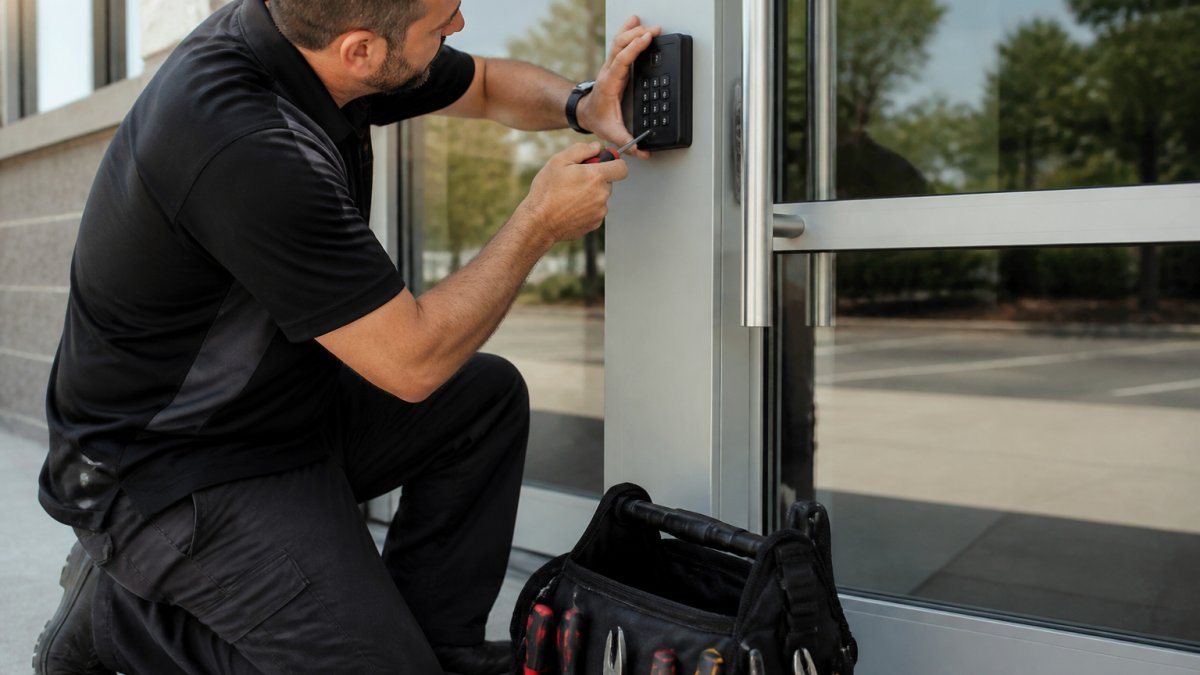
Here is how the process runs in practice:
- Site survey. We walk every door, note the hardware, and check network and power.
- System design. We map which doors get which credentials and where the controller lives.
- Hardware and wiring. Locks, readers, and controllers go in, with clean cable runs.
- Programming. Permissions, schedules, and integrations get configured.
- Training and handoff. Your team learns to add and remove users.
A common mistake is skipping the survey and buying a kit online. Half the time the hardware does not fit the doors, and the business pays twice.
Cost Factors: What Drives Your Quote Up or Down
Access control pricing depends on door count, credential type, hardware condition, and whether wiring already exists. There is no single number, because a two-door office and a twenty-door warehouse are different projects. What most guides skip is the line-item structure of a real quote, so here is how the money actually breaks down.
A commercial access control quote typically has five cost buckets:
- Readers and credentials. Each controlled door needs a reader, and each user needs a credential. Card and fob credentials are the least expensive per user; mobile credentials usually carry a per-user licensing fee; biometric readers cost more per door than keypads or card readers.
- Controllers and power. A controller panel handles a fixed number of doors and must be sized to the building. Power supplies, backup batteries, and enclosures are separate line items that budget quotes often omit.
- Electronic locks and door hardware. Electric strikes, maglocks, electric bolts, request-to-exit devices, and door position switches are priced per opening. A door that needs frame repair, a closer, or a new closer before hardware fits adds labor and material.
- Wiring and labor. Retrofits without existing cable runs take more labor than new construction with conduit in place. Labor is usually the largest single line on a retrofit quote, and it scales with ceiling access, wall construction, and distance from the controller to each door.
- Software, licensing, and integrations. Cloud-managed systems usually carry a per-door or per-user subscription. On-premise software may be a one-time license plus a support fee. Camera and alarm integration can add hardware, licensing, or both.
A common pattern is that the lowest bid excludes door hardware, power supplies, programming, and training. Ask every vendor to itemize those four categories in writing before comparing totals. A bid that looks low on the front page can double once the real installation scope appears.
Ongoing costs matter too. Budget for software subscriptions, firmware and support renewals, replacement credentials as staff turns over, and a maintenance visit or two per year. Those recurring costs are usually modest compared with the install, but they are the reason a system stays usable instead of becoming a locked-out liability.
We quote after a site visit, not over the phone, so the number reflects your actual doors, wiring, and hardware. For current pricing on our access control work, check the BDS Locksmith pricing page.
Access Control System Maintenance and Support Contracts
Access control system maintenance keeps doors working and credentials current. A support contract typically covers scheduled checks, firmware updates, and priority response when something fails. Without it, small issues become lockouts and security gaps. What most guides never explain is what a contract should actually promise, so here is the structure to ask for.
What a maintenance plan should specify:
- Response-time commitments. Ask for a stated response window for door-down emergencies versus routine requests. A plan that promises “priority service” without a number is not a commitment.
- Scheduled inspections. Readers, strikes, maglocks, controllers, power supplies, and backup batteries should be checked on a set schedule, commonly once or twice a year depending on door traffic.
- Software and firmware updates. Cloud-managed systems update automatically; on-premise systems need someone to apply patches. Confirm who is responsible.
- User-management support. Help adding and removing users, resetting credentials, and adjusting schedules as staff changes.
- Warranty terms. Ask how long hardware is covered, what voids the warranty, and whether labor is included in warranty repairs.
- Parts availability. Older controllers and readers can go end-of-life. Ask how the vendor handles replacement when a part is discontinued.
Plan for outages and backup access. Every access system should have a documented answer for three scenarios: a power failure, a network failure, and a controller failure. Battery backup and fail-safe versus fail-secure hardware choices determine whether doors lock or release when power drops. Your team should know the manual override procedure and where physical keys are kept, because the one time you need a key is the one time nobody can find it.
Plan for the system lifecycle. Commercial access control hardware commonly has a useful life measured in years, not decades. Ask the vendor how they will handle a controller that is no longer supported, whether software will keep receiving security patches, and what migration to a newer system looks like. A vendor who cannot answer that is selling you a dead end.
The thing nobody tells you about access systems is that most failures are mechanical, not digital. Strikes wear out, doors shift, and readers collect grime. A yearly check catches these before they strand your team.
Keep a current list of who holds which credentials, and keep a physical backup key or override procedure documented. When someone leaves, revoke access the same day. Most security incidents trace back to credentials nobody remembered to cancel.
Business Access Control Best Practices for Property Managers
Business access control best practices come down to three habits: least privilege, regular audits, and clear visitor handling. Give people access only to the doors they need, review permissions on a schedule, and log every visitor.
A workable routine:
- Least privilege. A cleaner does not need the server room.
- Scheduled audits. Review the user list quarterly and remove stale accounts.
- Visitor management. Sign guests in and out, and issue temporary credentials.
- Time-based rules. Lock down after hours automatically.
- Documented handoffs. Record who has admin rights.
Property managers who follow this routine spend less time firefighting and more time on the buildings themselves.
Integrating Alarms, CCTV, and Intrusion Detection With Your Access System
Security integration ties access control, alarms, CCTV, and intrusion detection into one view. When a door is forced, the alarm fires, the camera records, and the access log shows who tried. That single picture is far more useful than four separate systems.
Benefits of integration:
- Faster response. Alarms and video trigger together.
- Better evidence. Access logs pair with footage by timestamp.
- Fewer gaps. One system flags unusual entry patterns.
- Simpler management. One dashboard for doors, cameras, and alarms.
If your business already has cameras and an alarm, ask whether the new access system can talk to them. Compatibility matters more than brand names.
Compliance, Cybersecurity, and Data Privacy for Access Systems
Access systems hold sensitive data: who entered, when, and where. Treat that data like any other business record. Cloud-based systems need strong passwords, role-based admin rights, and a clear policy on retention.
Practical steps:
- Limit admin accounts to the people who truly need them.
- Enable multi-factor authentication on cloud dashboards.
- Keep firmware updated to close known vulnerabilities.
- Know where data is stored and who can access it.
- Follow your industry’s record-keeping rules for entry logs.
The Cybersecurity and Infrastructure Security Agency guidance offers plain-language advice on protecting networked systems. For physical security standards, the ANSI/ASIS facility security guidance covers how access control fits into an overall security plan. And the Federal Trade Commission data security resources explain reasonable safeguards for customer and employee data.
How to Choose a South Bay Commercial Access Control Partner
Choose a partner who is licensed, insured, locally based, and reachable after installation. A vendor who disappears once the invoice clears leaves you with a system nobody can service. Ask for proof of licensing before anyone touches your doors.
A simple evaluation checklist:
- Licensed, bonded, and insured, with proof on request
- Local coverage and realistic response times
- Free written estimate with clear scope
- Experience with your door types and hardware
- Support and maintenance options after install
- Willingness to integrate with existing alarms and cameras
BDS Locksmith is a licensed, bonded, and insured mobile team serving the South Bay, with same-day availability and free estimates. Our owner, Benjamin, a Bay Area Top Gun honoree and first-prize lockpicking contest winner, has helped thousands of locals out of tough spots. We handle everything from a single keypad to a full multi-door system.
Frequently Asked Questions
What are the three types of access control in security?
Access control splits into three broad categories: physical (locks, doors, turnstiles, keycards), logical (passwords, multi-factor authentication, software permissions), and administrative (policies, background checks, visitor rules). Most South Bay commercial access control projects focus on physical systems, but a complete setup ties physical credentials to logical permissions so a revoked keycard also loses network and software access. Review all three layers before you sign a contract.
How does a commercial access control system work?
A reader at each door checks a credential (keycard, keypad code, phone, or fingerprint), sends that data to a controller, and the controller checks the permission list before releasing the electronic lock. Cloud-based systems push the permission list to the controller over the network, so you can add or revoke a credential from a browser or phone. If the network drops, most controllers keep working offline with their last synced list.
What should a business consider before installing access control?
Map every door you need to control, count the people who need access, and decide which areas require stricter permissions. Confirm your network and power availability at each door, check whether the building is leased (landlord approval may be needed), and plan how you will issue and revoke credentials. Budget for commercial access control installation plus ongoing access control system maintenance, and ask the vendor how they handle after-hours lockouts.
Can commercial access control systems use key cards and mobile credentials?
Yes. Modern commercial access control systems support keycards, fobs, keypad codes, mobile credentials through a phone app, and biometric readers, often on the same controller. Mobile credentials are convenient for staff who lose cards, while keycards remain useful for visitors and contractors. Many South Bay businesses run a mix: mobile for employees, temporary keycards for vendors, and keypad codes for shared entry points.
Access control only works when the people behind it show up. If you are weighing a system upgrade, a door that keeps failing, or a building full of keys you cannot track, BDS Locksmith can survey your site, quote the real scope, and install hardware that fits your doors. We offer mobile on-site service, 24/7 emergency response, and a 5% military discount. Call (408) 300-4369 to get started with BDS Locksmith and secure your business without the guesswork.